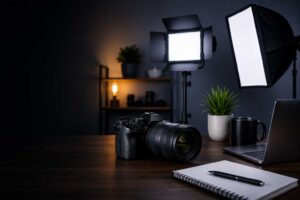
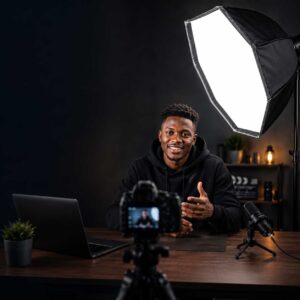
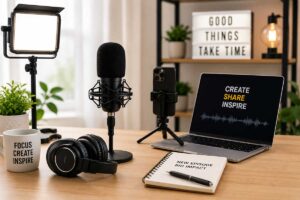
AI can supercharge your workflow, but great results still depend on creator skill and the right equipment. Here’s what AI can (and can’t) do and the gear that still matters.
Modern production combines creator skill, reliable equipment and intelligent software.
AI can clean noisy audio, help edit photographs, track subjects, generate backgrounds, speed up colour work and remove objects that would once have taken considerable time to fix manually.
So, do photographers and videographers still need all that equipment?
Yes but perhaps not as much of it, and not always for the reasons you used to.
The smartest creator setup in 2026 isn’t the one with the most equipment or the most AI tools. It’s the one where human skill, useful equipment and intelligent software work together.
AI is very good at assisting. Equipment handles the physical realities of production. But somebody still has to decide what the final image, video or story should feel like.
That’s where the creator comes in.
AI Isn’t Coming. It’s Already in the Workflow
The interesting thing about AI in photography and videography is that we’re no longer talking about something creators might use one day.
They’re using it now.
VSCO’s 2026 study of 401 photographers found that 83% already use AI somewhere in their workflow, rising to 88% among working photographers. VSCO's 2026 Photographers + AI Industry Report. Much of that adoption isn’t about asking AI to create photographs from scratch. Photographers reported using it for tasks such as culling, editing, file management and business operations essentially allowing technology to take some of the repetitive work off their hands.
Adobe’s much larger 2026 Creators’ Toolkit study paints a similar picture. Among more than 16,000 surveyed creators across eight countries, 75% described creative AI as integrated or essential to their workflow. Yet 85% said the final creative decision should remain theirs, and 81% considered human judgement essential to creative taste.
That’s an important distinction.
Human skill decides. Equipment captures and enables. AI assists.
Your interview has an annoying hum in the background? Modern software may help reduce it.
You have hours of footage to work through? AI can assist with transcription, searching and editing workflows.
Those are meaningful improvements. They can give a photographer, videographer or small production team hours back.
Adobe’s broader 2026 research into creative work found a similar shift: AI appears particularly useful for brainstorming, first-pass work and late-stage finishing, while human creative work increasingly concentrates around selection, direction, judgement and accountability.
That’s why learning AI isn’t somehow cheating at the craft.
Used well, it’s another tool.
But there’s a catch.
AI can fix and enhance a lot in post-production, but the quality of what you capture still matters.
AI Can Improve What You Captured. It Can’t Capture Everything for You.
Imagine recording an interview in Nairobi beside a busy road.
Your editing software might remove a surprising amount of traffic noise afterwards.
Useful? Absolutely.
But would you deliberately record terrible sound because you’re planning to rescue it with AI later?
Probably not.
A properly positioned microphone gives the software cleaner information to work with in the first place.
The same principle applies to lighting.
AI can brighten a dark face, adjust colour and reduce noise. But if your subject is badly lit, the original recording contains less useful visual information. Proper lighting isn’t only about making something brighter; it’s about controlling direction, contrast, texture, skin tone and mood.
That’s creative intent.
And no “Enhance” button knows exactly what you intended the scene to communicate.
So, What Physical Gear Still Matters?
This is where the conversation around AI in photography and videography becomes much more practical.
Lighting: AI Can Correct Light, But You Still Need to Create It
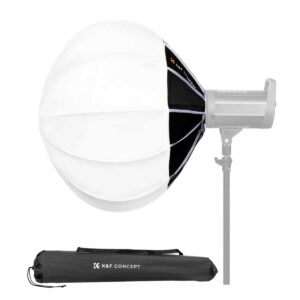
A photographer doesn’t position a softbox merely because the camera needs enough exposure.
They position it because they want the light to fall a certain way.
Soft light across a face, a harder edge on a product, separation from a background or a particular mood in an interview are creative decisions made before the image reaches editing software.
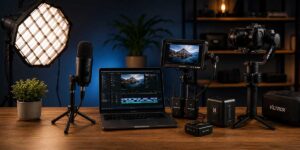
A strong creator setup works as a system: good lighting, clean audio, monitoring, stabilisation and reliable power all support the final image.
For a simple TikTok recorded beside a good window, you may need nothing.
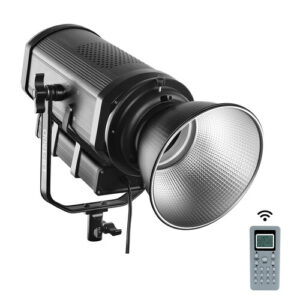
If you’re shooting consistently indoors, at night, in a studio or in changing environments, an LED or COB light with the right modifier gives you repeatability that software correction can’t.
Audio: Fixing It Later Isn’t the Same as Recording It Well
AI audio cleanup has become genuinely impressive.
But there is a difference between removing unwanted sound and recording a clear voice at source.
If the microphone is too far away, the room echoes badly, two voices overlap or the speaker is overwhelmed by surrounding noise, software has to guess what belongs and what doesn’t.
Good microphone technique reduces that problem before it exists.
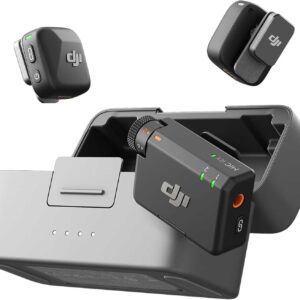
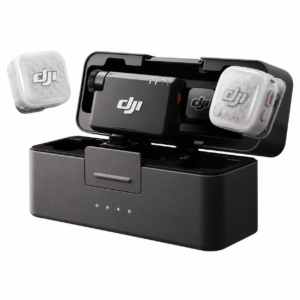
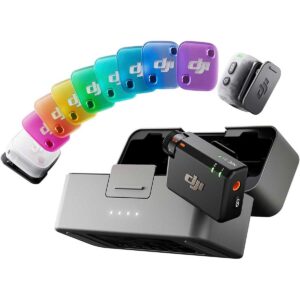
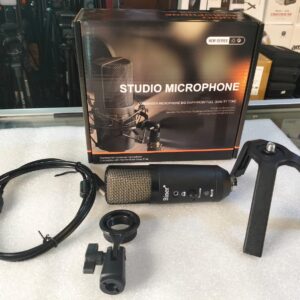
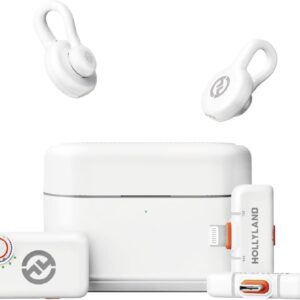
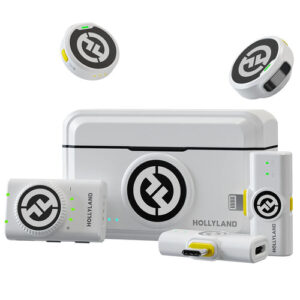
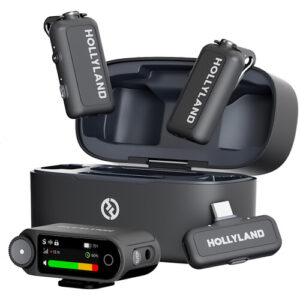
For interviews, podcasts, weddings and creator videos, this is why choosing an appropriate microphone still matters. Viewtime already has a useful guide to wireless microphones for content creators in Kenya for readers who need to go deeper.
Stabilisation: AI Can Smooth Movement, Not Direct It
Digital and AI-assisted stabilisation can rescue small shakes and make handheld footage easier to watch.
But stabilisation and camera movement aren’t the same thing.
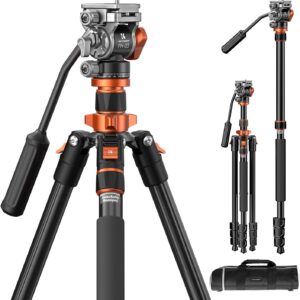
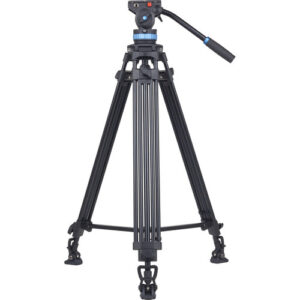
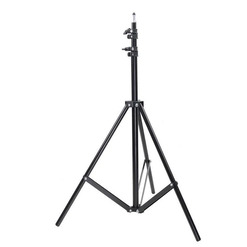
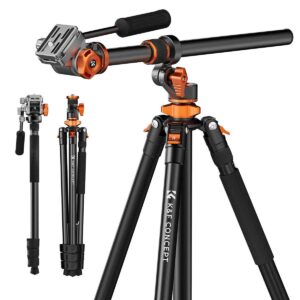
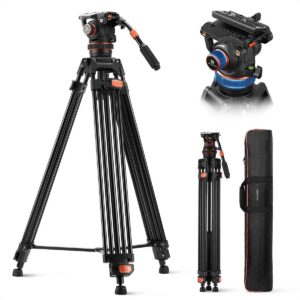
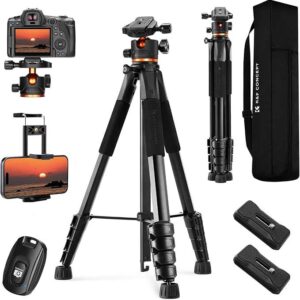
A tripod creates a deliberately locked frame. A gimbal allows controlled movement. A handle changes how the operator physically controls the rig.
AI may smooth an accidental wobble. It doesn’t automatically turn random movement into a purposeful reveal, tracking shot or pan.
For some creators, digital stabilisation is already enough. Don’t buy a gimbal simply because you’re told every videographer needs one.
Buy one when controlled movement is something your work actually requires.
Monitoring: Someone Still Has to Look
A small built-in screen can be perfectly adequate for simple work.
But once you’re judging focus, framing, exposure or a multi-camera production, being able to see clearly becomes part of doing the job properly.
An external monitor isn’t valuable because AI hasn’t been invented yet. It’s valuable because the person making the creative decision needs information while the shot is happening.
Viewtime currently carries dedicated camera and production monitors, but this is a classic example of equipment you shouldn’t automatically buy. If your existing screen lets you judge everything you need reliably, keep your money.
Power: AI Can’t Charge a Dead Battery
This may be the least glamorous answer in the entire AI conversation.
The strongest modern creator workflow isn’t human vs AI. It’s human skill, the right physical equipment and AI assistance working together.
A beautifully automated production still stops when the equipment loses power.
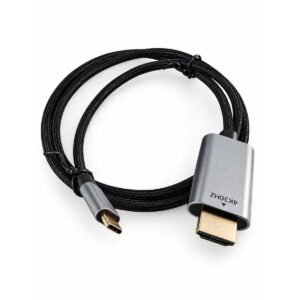
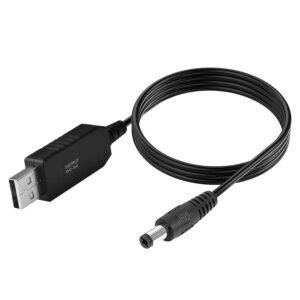
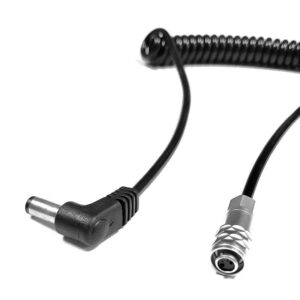
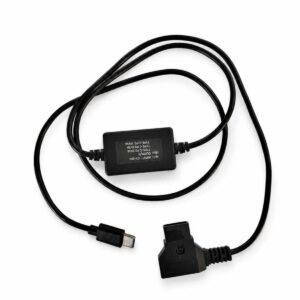
Long interviews, weddings, church livestreams and event productions depend on batteries, chargers, adapters and reliable power management.
AI can make your workflow clever.
It cannot negotiate with a dead NP-F battery halfway through a livestream.
Livestreaming: Software Is Smart, But Production Is Still Physical
AI can automate captions, assist switching, track speakers and simplify parts of a broadcast workflow.
But multi-camera production still has a physical chain.
Sources need connecting. Signals need transmitting. Audio needs capturing. Feeds need monitoring. Multiple inputs may need switching. Equipment needs power.
This part of the conversation is often missing from camera-shop blogs.
Sometimes software genuinely means you don’t need another piece of equipment.
If your smartphone stabilisation already produces excellent walking footage for your TikTok videos, don’t rush to buy a gimbal.
If you record beside a large window and your content looks exactly the way you want, you don’t need three studio lights because somebody on YouTube has them.
If occasional background noise can be cleaned adequately without affecting the quality your audience expects, you may not need to rebuild your entire audio setup.
And if your current creator setup works reliably?
Don’t upgrade yet.
Wait until you can name the problem you’re trying to solve.
That’s a far better reason to buy equipment than simply wanting something newer.
Don’t Buy Gear Just Because It Says “AI”
We’re going to see “AI” attached to more creator products because AI sells.
Treat it like any other specification.
Ask:
What does this AI feature actually do?
Does it solve a problem I regularly encounter?
Will it make my work better or simply more convenient?
How often will I use it?
Is the simpler version already enough?
An intelligent tracking feature could be incredibly useful to a solo presenter who moves around while filming.
The same feature could be almost irrelevant to a product photographer working with a locked-off camera.
Features only have value when they solve your problem.
Common Gear Buying Mistakes in the AI Era
One of the biggest mistakes is assuming that AI can rescue everything in post. It can’t. Poor source material still limits what software has to work with.
The opposite mistake is just as expensive: buying hardware to solve something software already handles perfectly well for your needs.
Another is becoming obsessed with new technology while ignoring basics. Good microphone placement, intentional lighting, stable support and understanding what you’re trying to communicate still matter.
Perhaps the most expensive mistake, though, is upgrading before identifying the weakness in your current setup.
Start with the problem.
Then choose the solution.
What Should You Prioritise in 2026?
If this sounds like you…
What I’d prioritise
Smartphone creator
Simple lighting + clean audio; use your phone’s software strengths
Beginner YouTuber
Microphone + basic lighting + stable support
Podcaster
Clean audio first, then lighting for video podcasts
Solo videographer
Audio + monitoring + stabilisation where needed
Product photographer
Controllable lighting + modifiers + reliable support
Church livestream team
Audio + switching + monitoring + reliable power
Professional production team
Reliability, monitoring, power and workflow integration
Your setup already does the job
Nothing. Keep creating.
That’s the real lesson here.
The best creator isn’t necessarily the person with the newest equipment.
And it isn’t the person with the fanciest AI subscription either.
It’s the person who understands the problem well enough to know which tool to use—and when not to use one at all.
AI Isn’t Making Creative Skill Irrelevant. It’s Changing Where Skill Shows Up.
There’s encouraging evidence for creators here.
Adobe’s 2026 research found that creative professional job postings in its US dataset actually increased 8% between September 2025 and April 2026, while explicit AI requirements rose from 10% to 15%. Adobe interprets its broader findings as a redistribution of creative work rather than straightforward replacement.
That doesn’t prove what will happen to every photographer or videographer in Kenya, and nobody should pretend it does.
But it suggests a useful direction.
The modern creator may need both craft and AI literacy.
Learn how to light.
Learn how to hear bad audio.
Learn composition.
Learn storytelling.
Learn why a particular camera movement works.
Then learn which parts of your workflow AI can make faster.
That’s much more powerful than choosing sides.
Trusted by creators across Kenya for reliable, high-quality photography, videography and creator equipment.
If you’re building or upgrading a setup in Nairobi or elsewhere in Kenya, Viewtime’s approach should be simple: identify what’s actually holding your production back before spending money fixing it.
AI tools and features are evolving quickly. The examples and recommendations in this article reflect currently available technology and are intended as practical guidance for photographers, videographers and content creators. Features, capabilities and software availability may change over time. Viewtime does not claim that AI replaces professional skill, creative judgement or the need for appropriate production equipment.
Last reviewed: September 2026
FAQs
Will AI replace photographers?
Nobody can responsibly promise what the long-term labour market will look like. Current research shows AI is already changing photographers’ workflows, while photographers continue to retain creative control over much of their work.
Will AI replace videographers?
AI can automate portions of editing and production, but videography also involves directing, storytelling, lighting, audio, composition, physical camera operation and client judgement. Current evidence points toward workflows changing substantially rather than providing a simple “yes, videographers disappear” answer.
Should photographers and videographers learn AI?
Yes, where it improves their work. Adobe’s research found AI skills appearing more frequently in creative job requirements, so AI literacy is increasingly useful alongside traditional creative skills.
Do I still need lighting if AI can fix exposure?
Not always. Good natural light may be enough. But when you need repeatability and control over direction, softness, contrast and mood, physical lighting remains useful.
Can AI fix bad audio?
It can improve many recordings, particularly by reducing unwanted noise. But capturing a clean signal with suitable microphone placement gives editing tools better material to work with.
Are gimbals still worth buying?
For controlled moving shots, often yes. For static content or situations where your device’s stabilisation already gives you the result you want, perhaps not.
What creator gear is still worth buying in 2026?
Equipment that solves a physical production problem you actually have: lighting, microphones, support, monitoring, power, signal transmission or production hardware. Don’t upgrade simply because something is new.
Should a beginner learn creative skills or AI first?
Learn them together, but don’t let AI prevent you from understanding the result. You need enough knowledge of light, sound, composition and storytelling to judge whether AI’s output is actually good.
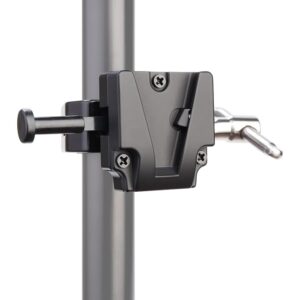





 OUT OF STOCK
 OUT OF STOCK
 OUT OF STOCK
 OUT OF STOCK
 OUT OF STOCK
 OUT OF STOCK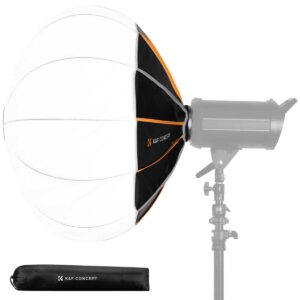

 OUT OF STOCK